Just so you know
While you have this car, HostKey watches it for your host — the same things any owner would want to know.
No key this time
The owner needs this to hand over the car, so the key can't be turned on for this trip.
Are you at the car?
Once you’re standing next to it, we’ll open it up.
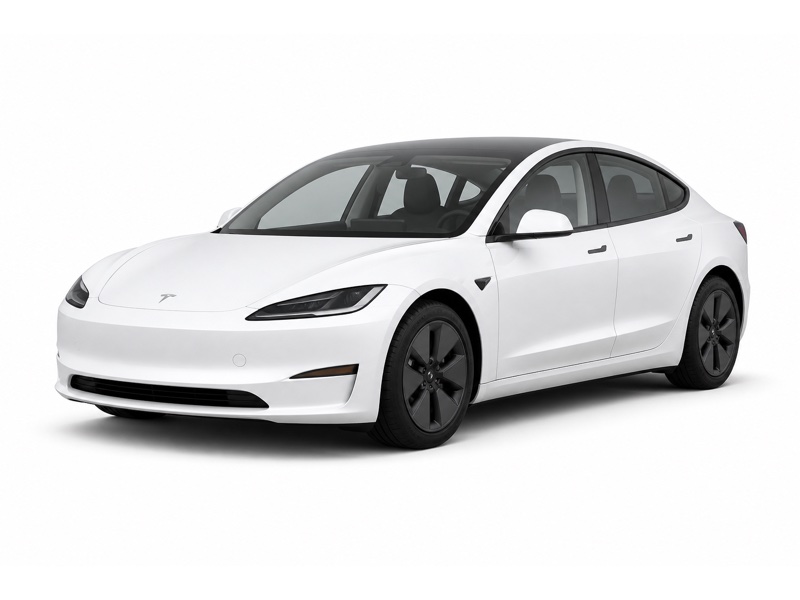
Here’s the car
Parked at the drop-off.
Set up the Tesla app
It takes a minute and makes your phone the key. We recommend it.
- Your phone is the key — it unlocks as you walk up
- Works with no signal, over Bluetooth
- Start and drive without the key card
- Warm it up or cool it down before you get in
- See range, charging and nearby Superchargers
- Nothing to install
- Lock, frunk, trunk, climate
- Needs signal on your phone and the car
- No walk-up unlock
Did your host leave you a key card?
Without the Tesla app you'll need the card to start the car.
You'll want the Tesla app
Without a key card, this link is the only way in — and it needs a signal.
If you have no service or data when you reach the car, this link cannot unlock it.
The Tesla app works over Bluetooth, so it opens the car with no signal at all. That's the difference in a parking garage.
Three steps
The car shows a code on its screen. Scanning it adds the car to your Tesla app for this trip.
You’re all set
The car is in your Tesla app for this trip.
We’ll text you when it’s time to bring it back, with a link to end the trip.
Where's the car
Privacy · Need help? Contact your host
Press the brake
Get in, press the brake pedal, then put it in gear.